Skip to content
PC optimization for competitive gaming

Your PC. Tuned for your game.

Personal Windows and BIOS tuning, built around your hardware and the games you play. Choose a guided remote session or take control with Pure Tweaking Utility.

PureTweaks Specialist
—
Customer reviews
01 / FEEDBACK
+
Optimization tweaks
02 / METHODOLOGY
+
Utility tweaks
03 / SOFTWARE
10 / 11
Windows support
04 / PLATFORM

ONE SYSTEM. EVERY LAYER.

Built around
your system.

Your hardware, your games, your starting point. We look at how the layers work together before deciding what to change.

  1. 01

    Start with your setup.

    Hardware, configuration and the way you play.

  2. 02

    Review the right layers.

    Windows, BIOS and hardware tuning to match your package.

  3. 03

    Keep the result in context.

    Check your own workloads, with stability and recovery in view.

Explore your PC's potential
Competitive Advantage

Engineered for competitive play.

Some systems have configuration or background activity worth reviewing. The likely causes and useful changes vary from PC to PC.

1,700+
targeted tweaks in Full System Optimization
1,500+
searchable tweaks in the standalone Utility

Input responsiveness

Depending on the system, selected interrupt, DPC, or timer settings may be reviewed for their effect on input consistency.

Configuration depth

Full System Optimization covers 1,700+ targeted tweaks. The standalone utility adds a searchable catalog of 1,500+ tweaks.

Background app review

Review startup apps and background activity with system requirements in mind. Counts and effects vary by Windows setup and installed software.

Game-focused tuning

Engineered specifically for competitive titles including CS2, Valorant, Fortnite, Apex Legends, Warzone, Rainbow Six, and Rocket League.

Graphics pipeline

Driver and GPU settings are reviewed against your hardware and the games you play, with stability kept in view.

Network configuration

Connection settings can be checked for unnecessary overhead and tuned where your network setup supports it.

THE SOFTWARE / PURE TWEAKING UTILITY

Control at
every layer.

Put more of your PC to work for your games. Explore 1,500+ tweaks for Windows, input, graphics and networking in Pure Tweaking Utility. Lifetime access, Daily Updates and one payment with no automatic renewal.

Explore the utility package
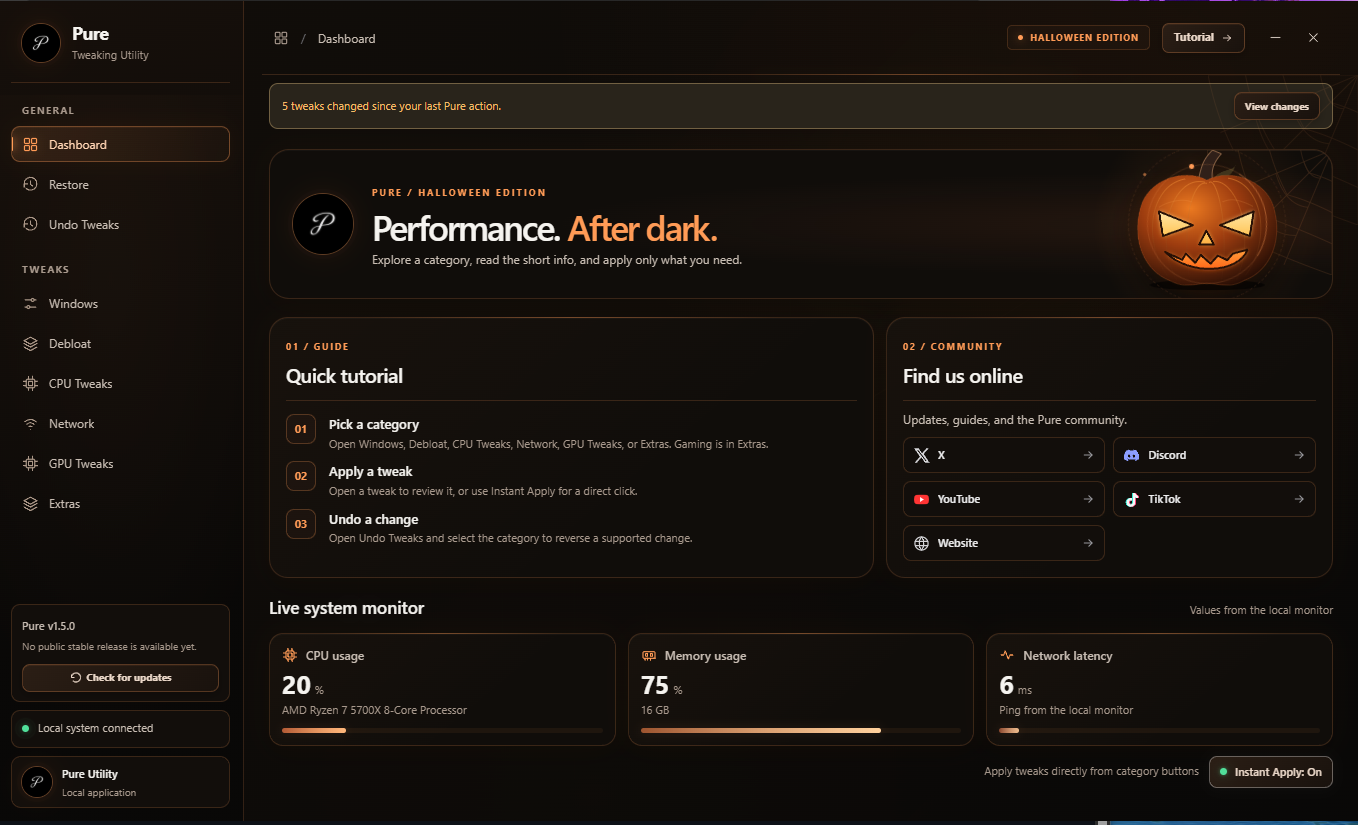
PURE TWEAKING UTILITY Original app interfaceOpen full preview
Pure Tweaking Utility dashboard with Windows, Debloat, CPU Tweaks, Network, GPU Tweaks, Extras, Restore and Undo Tweaks
Explore the original app interface.Apply changes in the Windows app.
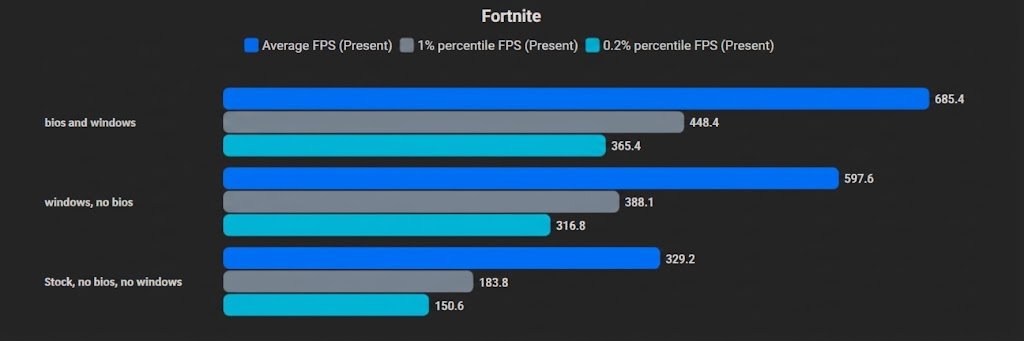
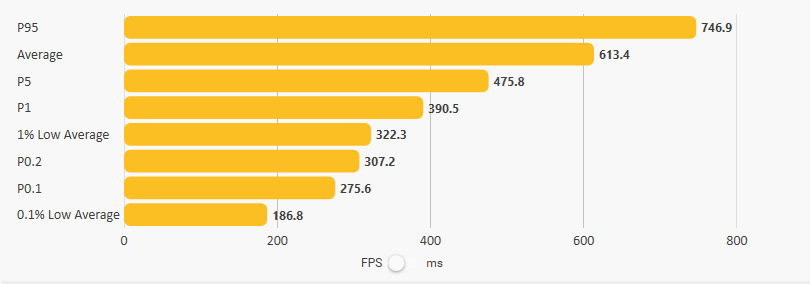
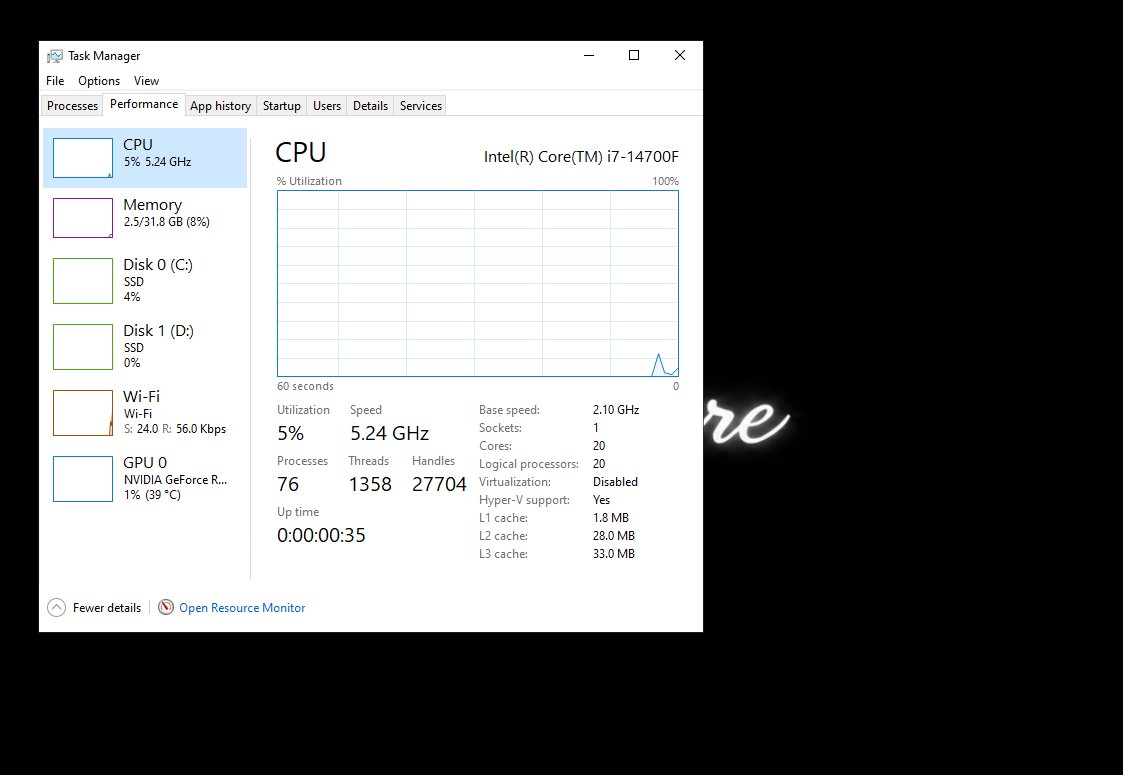
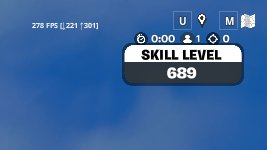
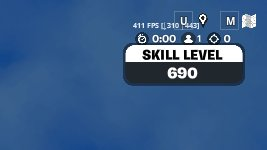
PUBLISHED PURETWEAKS RESULTS · 4 CASES

Before and after.

Compare the published figures and see each original source.

Your results depend on your own hardware and configuration.

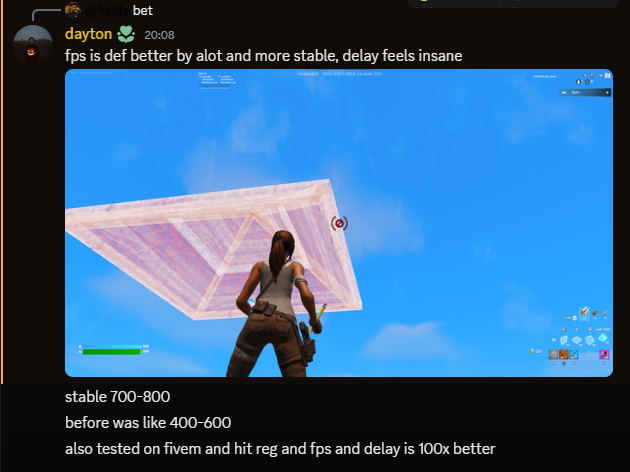
From the community

Real sessions.
Real feedback.

A closer look at the people behind the reviews. Original words, the service they used, and their own perspective.

— / 5
Customer feedbackLive community reviews

Explore original customer accounts in our community review feed.

Experience, in context. These are selected customer reports, in their original wording. Any performance figures are self-reported. Hardware, settings and repeatable test conditions are not consistently supplied, so these accounts are not controlled benchmarks or a promise of the same result on your PC.

All community reviews
Service Flow

How It Works

From selecting a package to reviewing the changes, each step is clear.

01

Select Your Package

Choose the package that fits your hardware and goals, then add it to your cart.

02

Payment & Scheduling

Choose an available payment method, enter your PC specs, and upload payment proof. Your private support ticket follows your order.

03

1-on-1 Remote Session

Connect securely via AnyDesk or TeamViewer. We create a full backup and optimize your PC live on screen.

04

Review the changes

Compare your own workloads after the session. Any changes to latency, responsiveness, or frame pacing depend on your hardware and system condition.

Got Questions?

Frequently Asked Questions

Clear, honest answers about our optimization methodology, system safety, and what to expect.

We avoid unsafe over-voltage overclocking and review changes against your hardware and stated goals. Compatibility and stability depend on the specific system, so changes should be discussed and checked before they are applied.
A restore point or backup should be prepared before the session. Windows recovery options vary by system, and a restore point is not a substitute for a separate file backup. We discuss the available recovery plan and the changes being considered before work begins.
The standard Full System Optimization session takes approximately 45 to 60 minutes. The Full Optimization + BIOS Tuning takes around 60 to 80 minutes to allow for thorough BIOS navigation and post-tuning validation tests.
Warranty terms depend on the manufacturer, region, and specific change. We use manufacturer-supported settings where applicable, but recommend checking the terms for your hardware before making BIOS or system changes.
We work with Windows 10 and Windows 11 gaming systems. The effect of any change depends on the hardware, configuration, and game; competitive titles such as Valorant, Counter-Strike 2, Fortnite, Apex Legends, Warzone, Rainbow Six Siege, and Overwatch 2 can provide useful, game-specific benchmarks.
You can ask questions in your private Discord support ticket after your session. If you perform a clean reinstall of Windows later, you can book the Re-Tweak add-on to reapply your optimizations.
Talk to the team

Looking for a more responsive gaming setup?

Need help with your setup, a HWID reset, a bug, or a business inquiry? Open our Discord panel and keep every reply in one private ticket.

Open a ticket
Private Discord ticket
Recommendations based on your setup
Changes reviewed before applying
PureTweaks CUSTOMER DASHBOARD

PureTweaks Customer Portal

Sign in with your Discord account to unlock your customer dashboard, post verified reviews, and manage your optimizations.

Sign in with Discord