Service Provider & Operator
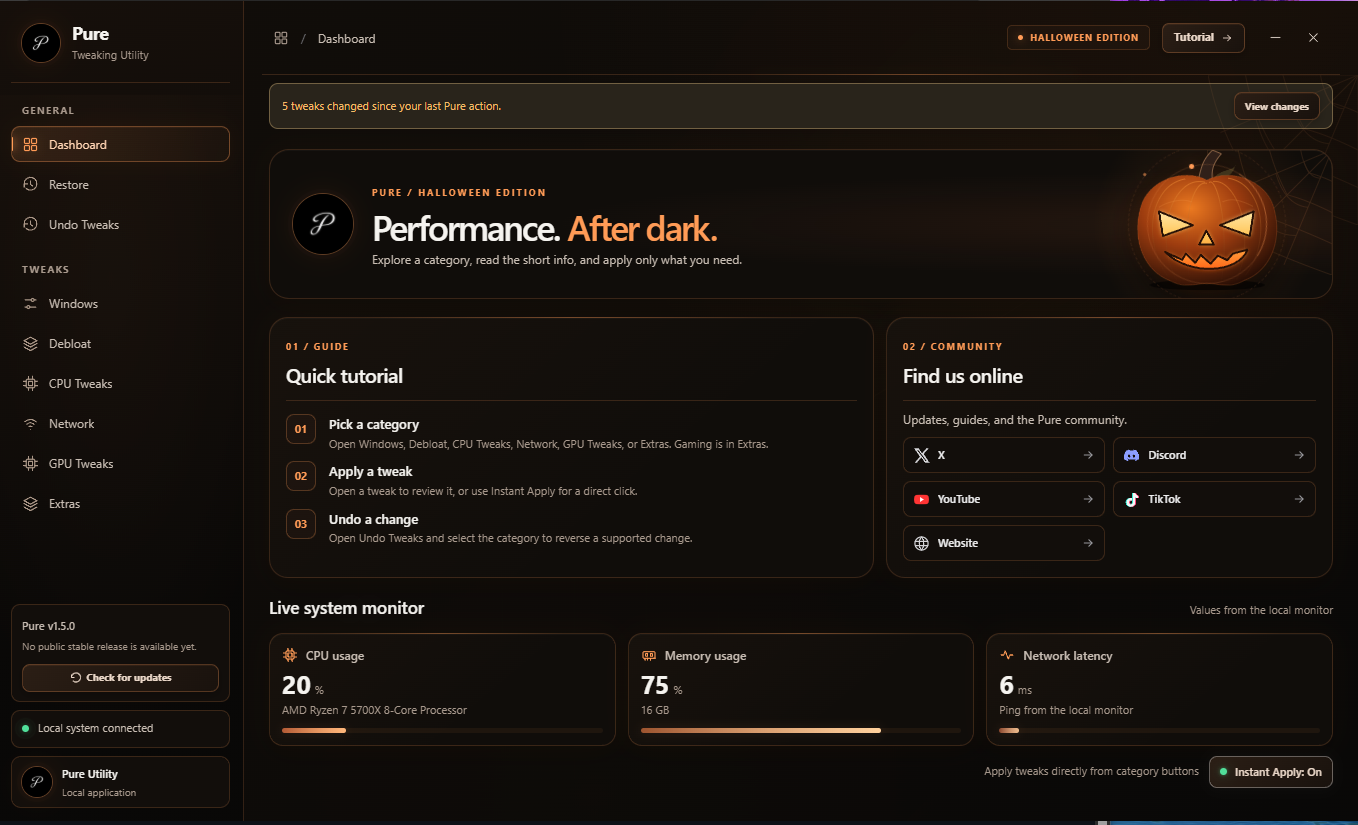
Pure Tweaks
High-Performance PC & BIOS Optimization Services
Email: buisnessnolife@gmail.com
Contact Information
Email: buisnessnolife@gmail.com
Discord Support: discord.gg/Mdz2ZjQdhW
X / Twitter: @PureTweaks_
TikTok: @puretweaks__
YouTube: @PureTweaks
Responsible for Content under § 18 (2) MStV / § 55 (2) RStV
Pure Tweaks Optimization Team
Contact us by email at: buisnessnolife@gmail.com
EU Online Dispute Resolution
The European Commission provides an Online Dispute Resolution (ODR) platform:
https://ec.europa.eu/consumers/odr/.
Our email address is listed above in this Legal Notice.
Consumer Dispute Resolution
We are neither willing nor required to participate in dispute resolution proceedings before a consumer arbitration board.
Liability for Content
As a service provider, we are responsible for our own content on these pages under § 7 (1) TMG and applicable law. Under §§ 8–10 TMG, however, we are not required to monitor transmitted or stored third-party information or investigate circumstances indicating unlawful activity.
Obligations to remove or block the use of information under applicable law remain unaffected. Liability in this respect begins only when we become aware of a specific legal violation. If we become aware of such violations, we will remove the content promptly.
Liability for Links
Our website includes links to third-party websites (such as Discord and X/Twitter) whose content we do not control. We therefore cannot accept responsibility for that content. The relevant provider or operator is responsible for the content of each linked page. If we become aware of legal violations, we will remove the affected links promptly.